


FREE USPS SHIPPING ON EVERY ORDER!
Home of the Generous Quantity Discounts. Buy 2 or more and Save!
Create your stamp online quickly and easily with our custom online design tool. Choose from many different layouts, fonts, templates, and colors. You will see your proof instantly.
Customer Service 888-406-8950
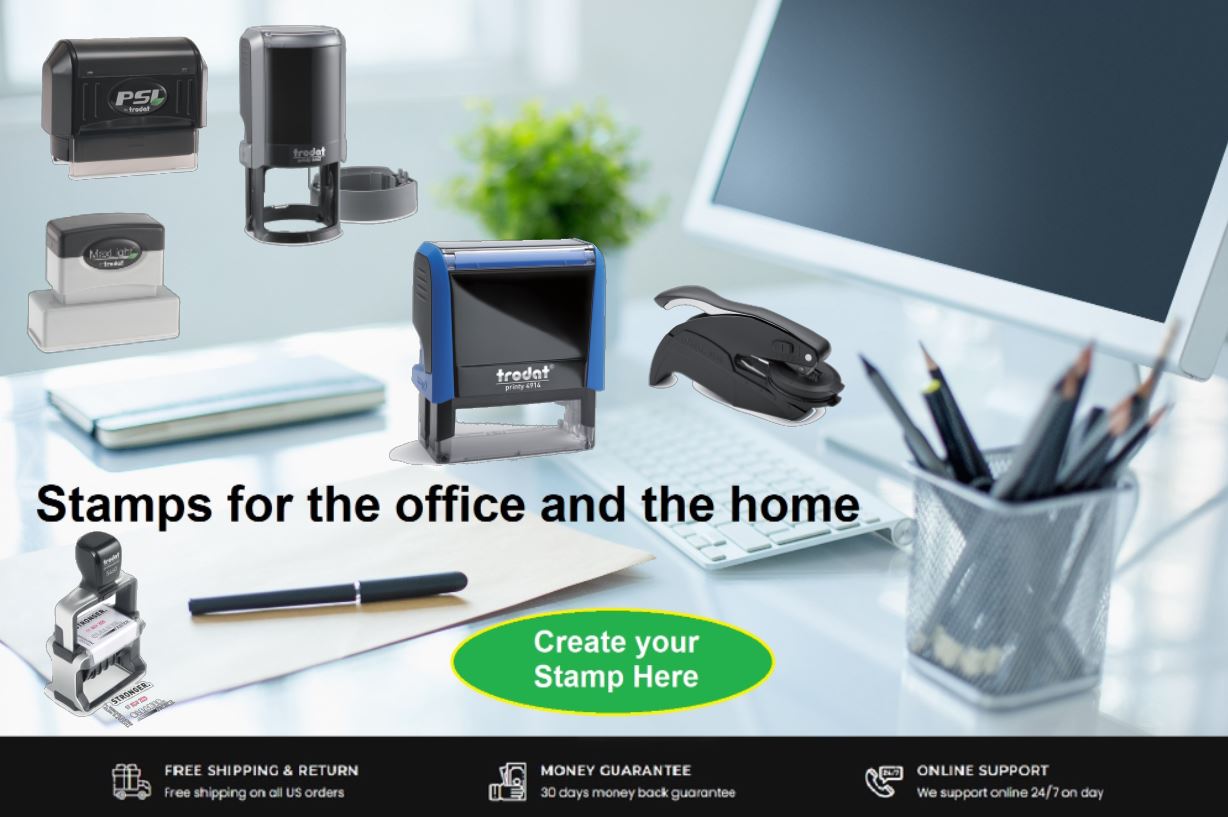
Stamps and Stamp Accessories for the office and the home
Order by Category
Order By Template
Express Order
See Our Generous Price and Quantity Discounts On Every Item - Buy 2 or more and Save!
If you're looking for an address stamp or a deposit stamp for office or home use, or you're a business looking for an excellent, heavy duty die plate dater stamp, AddressStamp.com is your proven, reliable source for a wide selection of self inking stamps, pre-inked stamps, wood handle rubber stamps, and all stamp and marking product accessories.
For business or for the home, we can custom make a stamp that is right for you. Our philosophy has always been to provide you with a great stamp at a fair price, and deliver it to you in a reasonable time. We offer free regular USPS First Class Mail Package Service for all orders shipping to a valid address inside the United States, its territories, and all APO, FPO, and DPO addresses. Orders that exceed the weight for standard USPS First Class Mail Package Service will be shipped by USPS Priority Mail, UPS, or Fedex at our expense and our choosing. Yes, you read correctly. Free Shipping! More shipping options are available. Scroll down for more information!
Shipping delays, false promises, they all sound too familiar when doing business on the internet. We won't let you down. Your satisfaction is our priority, and our guarantee. Our thousands of satisfied customers all across the globe are testament to that.
We specialize in LARGE VOLUME stamp orders. Our prices on large orders can't be beat. Our generous price and quantity discounts are shown on every item on this website. If you order 2 or more of the same item, you save. It's as simple as that. Please contact us for price and quantity discounts for a quantity of over 30 for any item you are looking for. At any quantity, we are experts at making your special stamp or ink requirements a reality at a price you can't find anywhere. Go ahead and call our competition (if you can get them on the phone) for their price, then call us. You'll be pleasantly surprised.
Free USPS Ground Advantage Package Service
We offer free regular USPS Ground Advantage Package Service for all orders shipping to a valid address inside the United States, its territories, and all APO, FPO, and DPO addresses. Orders that exceed the weight for standard USPS Ground Advantage Package Service will be shipped by USPS Priority Mail, UPS, or Fedex at our expense and our choosing.
Yes, you read correctly. Free Shipping!
If you would rather have your order shipped another way other than regular first class mail by the United States Post Office, please contact us for other shipping options via UPS, Fedex, or USPS. We can help advise you of shipping times and any additional cost of these shipping options based on your delivery requirements and deadlines.
For orders that need to be shipped outside of the U.S., we generally ship those via USPS Global Priority Mail. Please contact us prior to ordering if we are to ship your order outside the U.S. We will calculate the shipping charges, and provide you with instructions on how to order, if you wish to proceed. If the shipping address of your order is outside the United States and you place your order online without contacting us first, we will place your order on hold, calculate the additional shipping charges and contact you by email advising you of the additional shipping charges for your approval. If you accept the charges, then we will arrange for payment and proceed with the order when the additional payment is made. If you do not wish to proceed at that point, we will gladly refund your payment and cancel the order.
The vast majority of our orders are shipped out of our facility in 5 business days or less from the date received, depending on workload, but cannot be guaranteed. Orders received after 3pm will not be counted until the next business day. Please allow for ample delivery times for the Post Office to deliver your order. We will make every effort to ensure that your order will reach its destination on time and in top quality condition. However, we can not guarantee that orders will not be lost, delayed or damaged during transit. Requests for refunds for a lost order must be made within 30 days of your order date. After 30 days, we must assume you have received your order, it is correct, and is in good condition. If you experience any problems do not hesitate to contact us immediately so that we may rectify the problem.
Return Policy
AddressStamp.com wants 100% customer satisfaction with every order.
Return Policy Instructions:
Return Request Period: Returns must be requested within 30 days from the date of the order.
Return Method: Returns must me sent back to us at the customer's expense.
Return Authorization Number: Prior to returning any item, customers are required to obtain a Return Authorization Number (RAN) by emailing us at inquiry@promotesource.com or calling us at the numbers above. Please include your order number and the reason you would like to return the item.
Defective Custom Items: In the event of receiving defective custom items, we will promptly correct the issue and redo the item(s) at no additional cost to you.
Restocking Fee: Non-customized items returned within the specified return period will be subject to a 15% restocking fee. This fee will be deducted from the refund amount.
Notes: Please note that returned items must be in their original condition, unused with all original packaging intact. Refunds may take up to 14 business days after we receive and accept it. AddressStamp.com reserves the right to refuse returns that do not meet these criteria or those initiated after the specified return period. For any further inquiries or assistance regarding returns, please do not hesitate to contact us at inquiry@promotesource.com or at the numbers above.
